Christmas, a season of joy, love, and celebration, is a perfect time to take photos and videos to share precious moments with family and friends. With the advent of mobile phones and digital cameras, making videos has become easier than ever. Creating and sharing Christmas videos has become a common way to convey pleasure and preserve unique holiday memories. Whether you want to send personalized greetings to loved ones, share happy times on social media, or promote your business during the holidays, having the appropriate video maker can make all the difference.
In this post, we'll look at several Christmas video makers, each with its own set of features and capabilities for creating amazing videos. From best christmas video making software, and massive christmas video templates to free christmas video makers online, and special effects, these tools will offer you everything you need to bring your Christmas videos to life. Whether you're an experienced content creator or new to video editing, these tools provide a variety of features to help you easily create amazing Christmas videos.

1. VideoProc Vlogger
- Platform: Desktop, Mobile
- Best As the Christmas family slideshow maker for enthusiasts needing advanced features
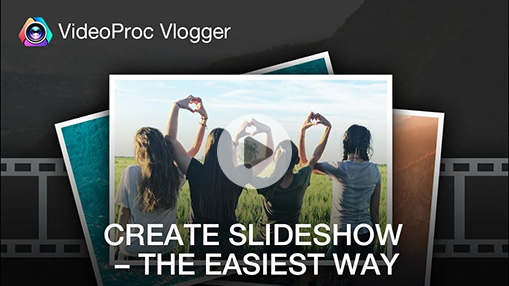
VideoProc Vlogger is a free, comprehensive desktop software solution developed exclusively for vloggers and content makers, with superior editing capabilities and performance. In addition to the basic features that all video editors have, it is especially suitable as a Christmas family slideshow maker.
The program boasts a "Folder Import" function, allowing you to import folders filled with your entire Christmas memories with a single click. Compared to system-provided editors like Clipchamp or iMovie, VideoProc Vlogger lets you batch adjust the duration, color, and transitions of each photo, saving countless steps. It also supports multiple audio, video, and subtitle tracks. Plus with its Audio Beat analyzer, you can create an amazing Beat Sync Christmas slideshow in just a few seconds.
Furthermore, VideoProc Vlogger offers more advanced editing skills, including motion crop, keyframes (mobile), color grading, audio editing, and speed ramp. These tools allow users to improve the quality of their Christmas videos and create a polished and professional appearance. With its extensive capabilities and user-friendly interface, VideoProc Vlogger is an excellent solution for vloggers and enthusiasts wishing to create eye-catching Christmas videos.


VideoProc Vlogger – Best Christmas Video Making Software for Free
- 100% free, safe, clean, and easy-to-use; 4K support; for desktop & mobile
- Extensive format support, ProRes, XAVC, XAVC-S, HEVC, MP4, MOV, etc.
- Batch import Christmas recordings, photos, videos, folders within one click
- Use speed curve to add velocity effects, speed ramping the dope way
- Stylish effects, filters, transitions, and texts; one-click Edit to the Beat
 Excellent
How to Create a Christmas Slideshow Video
2. Canva
- Platform: Online, Mobile
- Best For: quick, design-conscious videos and social media content with Christmas video templates
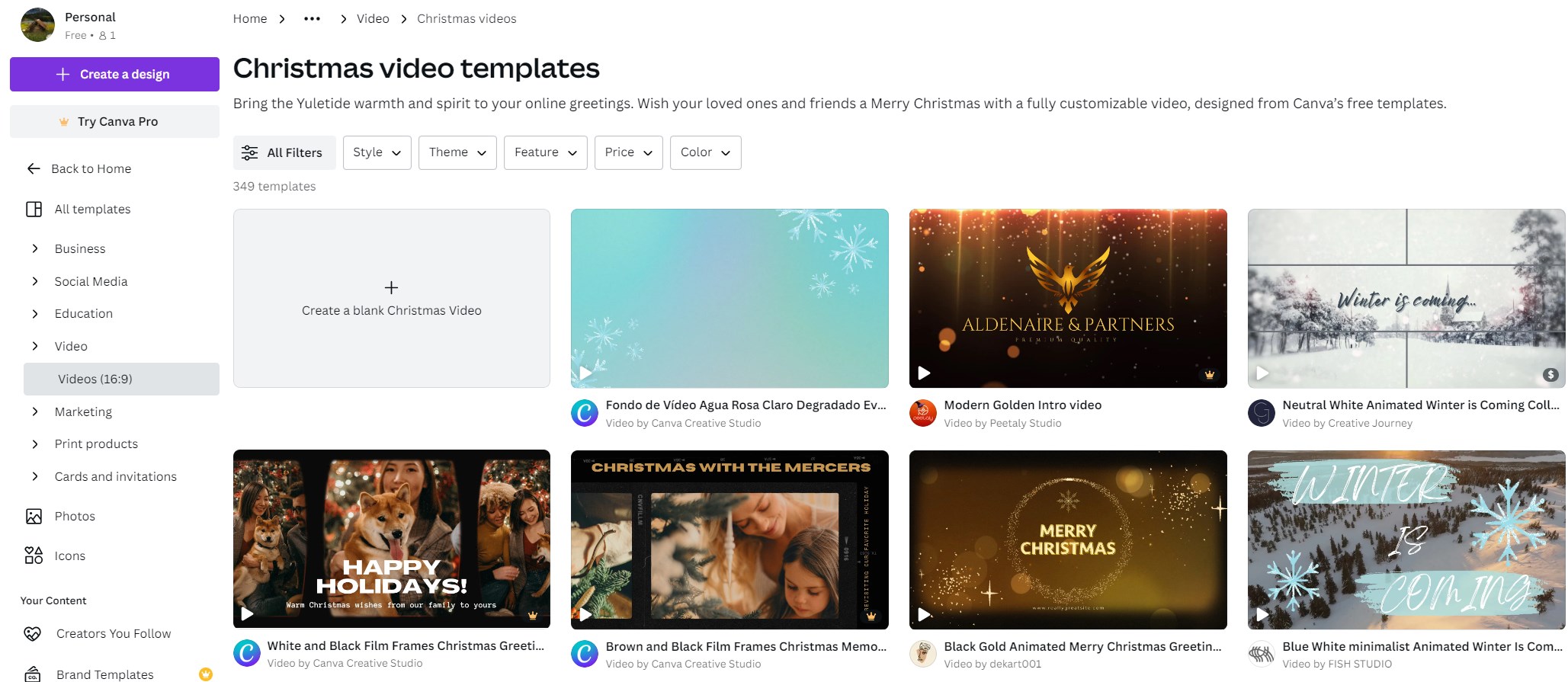
Canva Christmas Video Maker stands out as a versatile and user-friendly tool for creating all types of visual content, including Christmas videos. Canva's straightforward drag-and-drop interface and wide library of design elements enable users of all skill levels to create Christmas videos in minutes. One of Canva's unique features is its selection of Christmas-themed templates, which range from holiday greetings to promotional commercials and allow users to rapidly edit their content to meet their specific needs.
Furthermore, Canva provides several editing tools and effects to help you improve your Christmas videos, such as text animations, stickers, and music tracks. Canva has all of the tools you need to create engaging holiday videos, whether you want to add a bit of sparkle with animated snowflakes or set the tone with festive music. Furthermore, Canva's collaboration features allow teams to work smoothly together, making it an excellent alternative for companies looking to develop integrated seasonal campaigns.
3. Adobe Premiere Pro
- Platform: Desktop
- Best As a professional Christmas video production tool for advanced creators and collaborative teams
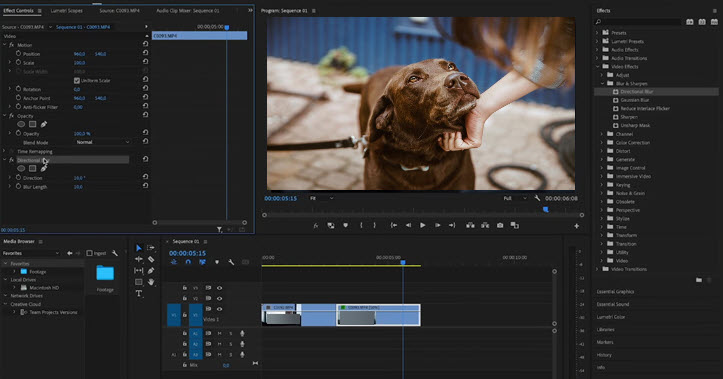
Adobe Premiere Pro stands out as the industry standard in professional video editing, offering unmatched features and workflow options for creating stunning Christmas videos of any style or complexity. Whether your holiday project is a family greeting, a festive vlog, or a high-end promotional video, Premiere Pro provides all the tools and creative freedom needed to bring ideas to life.
Premiere Pro's festive capabilities include easy import of Christmas overlays, animated titles, and holiday transitions. Just drag and drop free templates or use premium resources for instant seasonal flair. The platform's advanced editing, proxy workflows, and multi-camera support ensure even large family movies or complex business promos stay sharp and responsive. Plus, its AI-powered auto-captioning and integrated sound mixing elevate Christmas greetings to a professional standard with seamless integration into the Adobe Creative Cloud ecosystem.
4. Animaker
- Platform: Online
- Best As Christmas animation video maker for animated, character-driven videos
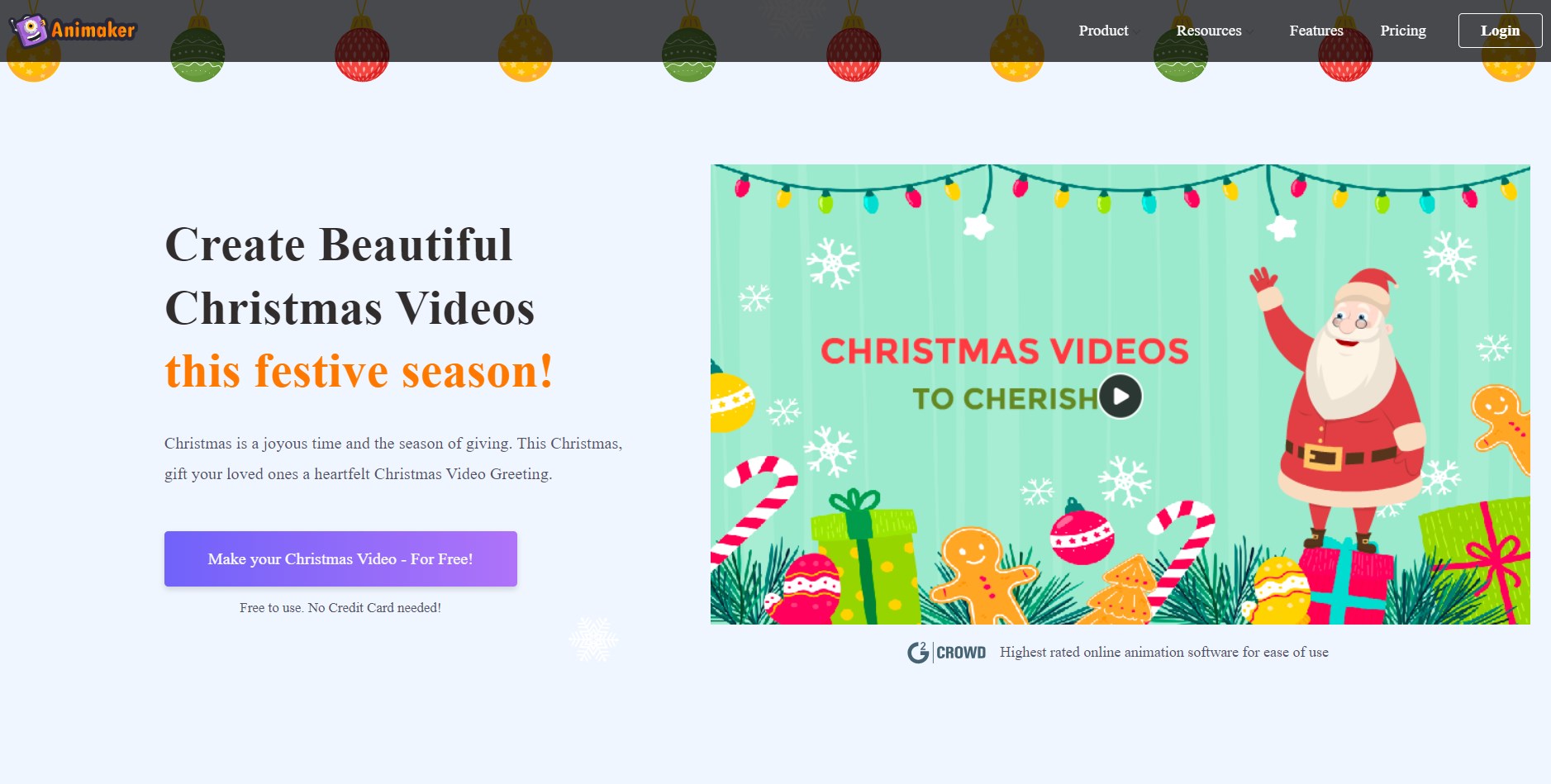
Animaker is a versatile online video platform that focuses on animated content, making it an excellent choice for creating attractive Christmas videos. Animaker's user-friendly interface and extensive library of prepared animations and characters allow users to easily bring their holiday stories to life. Whether you're producing an animated greeting card or a playful advertising video, Animaker has a variety of templates and customization choices to meet your needs.
One of Animaker's standout features is its intuitive timeline-based editor, which allows for precise control over videos. Users can easily add text, images, and animations to their Christmas videos, creating dynamic and visually appealing content. Additionally, Animaker offers a selection of holiday-themed assets, including festive backgrounds, characters, and props, to help users create cool Christmas videos easily. Animaker is a top choice for anyone looking to create charming and memorable Christmas videos.
5. Vimeo
- Platform: Online
- Best As a Christmas greetings video maker
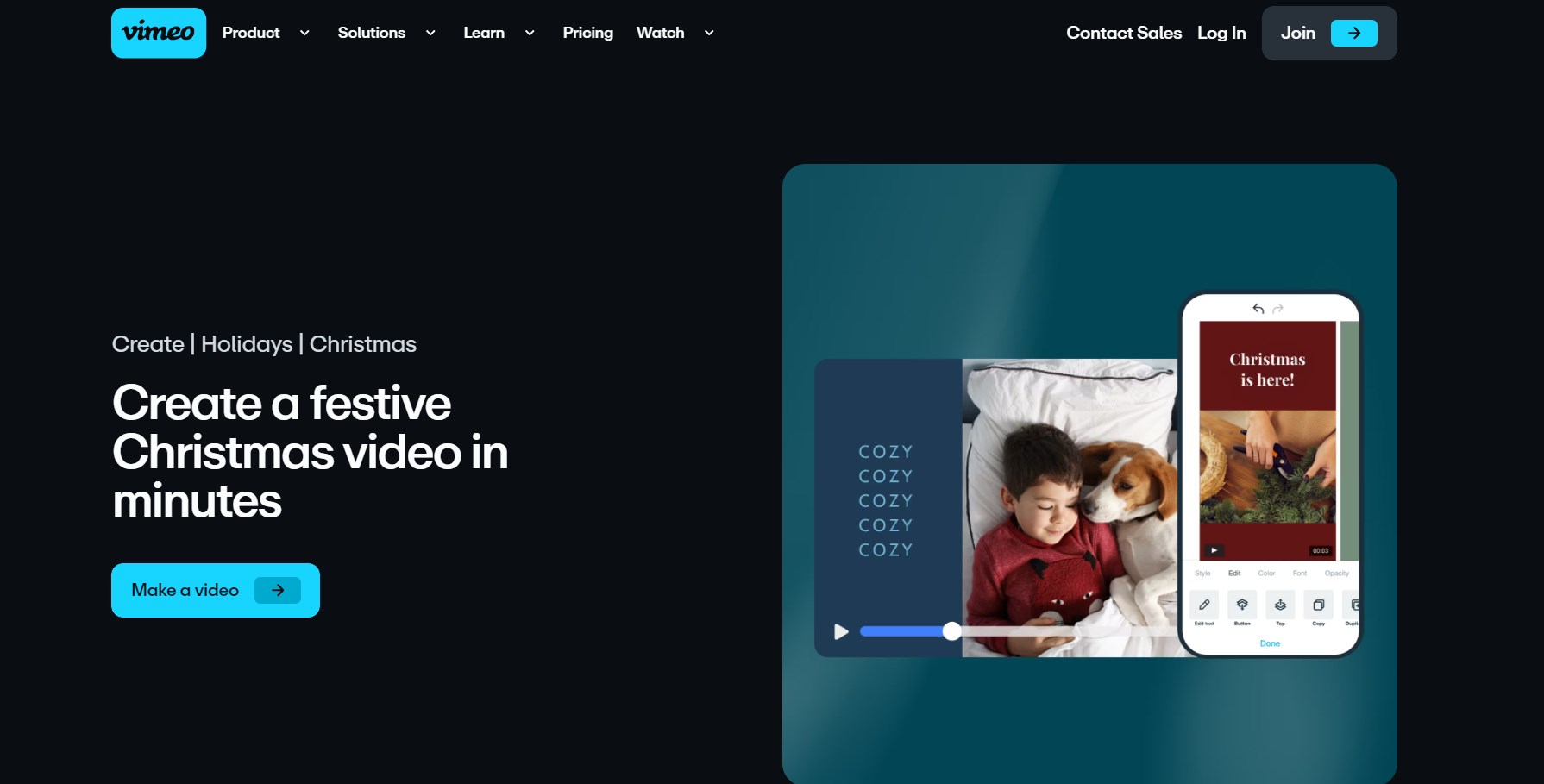
Vimeo is not just a popular platform for posting and sharing videos, but it also provides powerful video editing tools via its Vimeo Create tool. Vimeo Create allows users to effortlessly create professional-looking Christmas videos by customizing templates, text overlays, and music tracks. Whether you're creating a heartfelt family movie or a promotional video for your business, Vimeo's user-friendly editing interface makes it simple to customize, even for individuals with no video editing experience.
Furthermore, Vimeo's large collection of stock footage and music offers high-quality materials to enhance their Christmas videos. Whether you require footage of dazzling lights or festive Christmas music, Vimeo has you covered. Vimeo also offers video statistics and audience data, allowing users to track the performance of their Christmas videos.
6. InVideo
- Platform: Online
- Best As the Christmas video maker online with AI integration
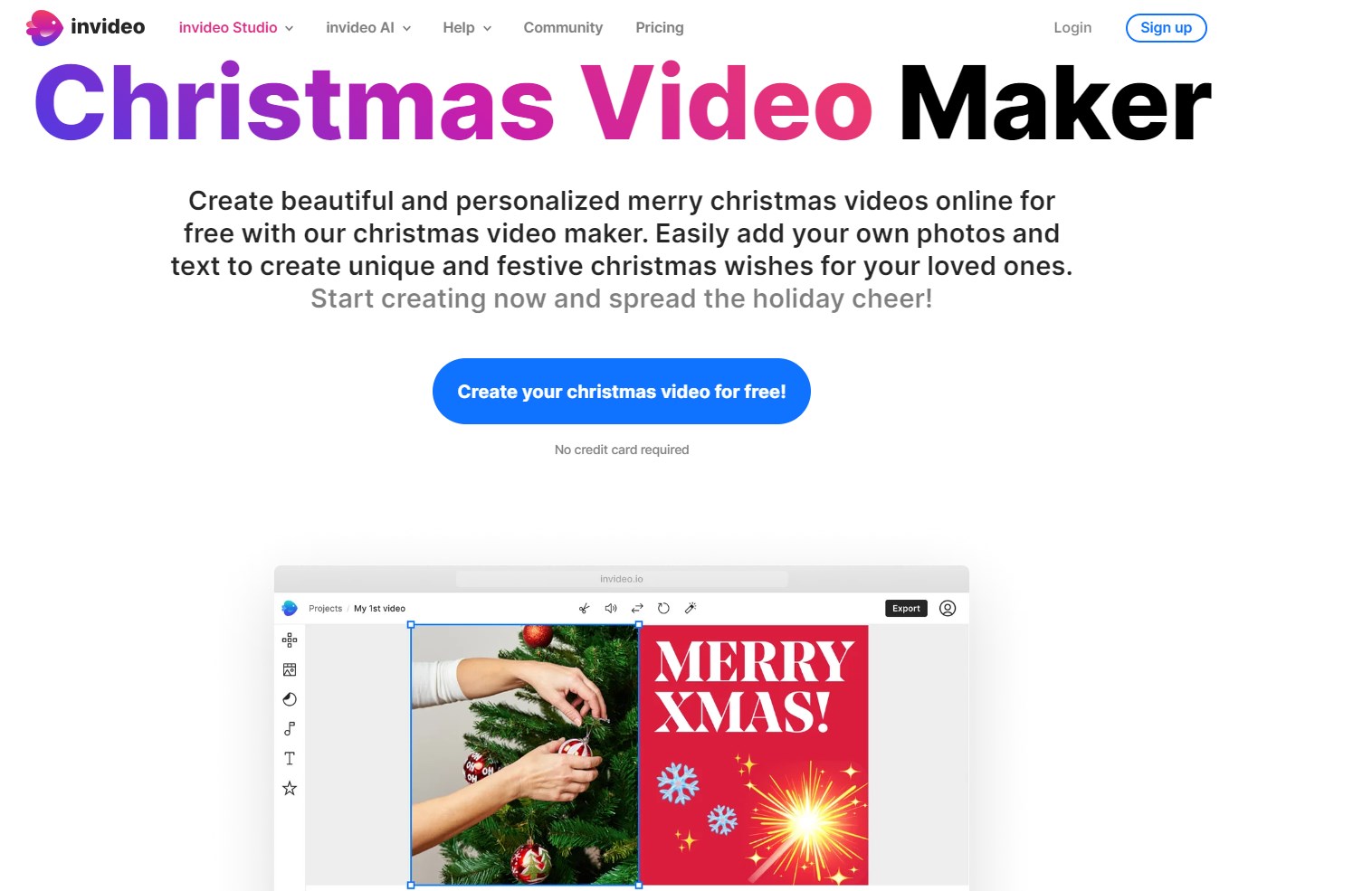
InVideo is an online video editing tool that offers a range of features with AI integration, making it an excellent choice to make Christmas videos. To construct a Christmas video, you only need to provide a prompt, and the AI designs scenes, adds media, and sound effects.
InVideo provides a large selection of stock footage, music tracks, and effects for customers to effortlessly enhance their videos. From snowy landscapes to happy Christmas music, InVideo has a wide choice of assets to assist you capture the beauty of the season. InVideo's easy editing features and a huge library make it a top choice for anyone wishing to easily produce Christmas videos.
Conclusion
Finally, these Christmas video makers include a variety of features and tools to help you create engaging Christmas videos. Each program has its own set of characteristics, ranging from Canva's user-friendly design to Vimeo's professional editing capabilities and Animaker's animated charm. Whether you're an experienced creator or just getting started, there's a platform to meet your demands. So, explore and let your imagination run wild as you create beautiful memories. Happy Christmas, and happy video-making!