VideoProc Converter AI
 New AI features are available



HitPaw Photo Enhancer — now rebranded as HitPaw FotorPea—has been gaining attention for its AI-powered photo enhancement capabilities. But does it actually live up to the hype? With its "one-click fix " feature, HitPaw FotorPea promises to improve your images and bring them to professional-quality standards. After spending weeks testing the tool, this review will give you an honest, unbiased assessment of its performance.
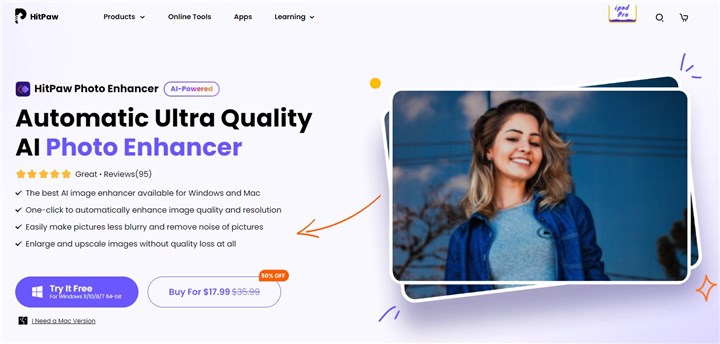
What Is HitPaw Photo Enhancer (Now HitPaw FotorPea)
HitPaw Photo Enhancer, now rebranded as HitPaw FotorPea, is an AI-powered image editing software designed to help users effortlessly enhance their digital photos. Whether you're a beginner or a professional, it simplifies the editing process and allows you to achieve professional-quality results without the steep learning curve.
Key Features of HitPaw FotorPea
1. AI-Powered Enhancement: HitPaw FotorPea leverages advanced AI algorithms to automatically enhance various aspects of your images, including clarity, resolution, color balance, and fine details, making them look sharper and more vibrant.
2. Multiple AI Models for Specialized Enhancements: It utilizes advanced AI models to automatically enhance your images in various ways. Whether it's sharpening facial features, increasing resolution for better clarity, or reducing noise in low-light photos, the software makes these improvements effortlessly. It also offers tools for colorizing black-and-white photos, fixing blurry images, and even creative effects like background removal. Designed for users who want to enhance their photos quickly and effectively, it simplifies the editing process without compromising on quality.
3. User-Friendly Interface: With its intuitive, clean design, HitPaw FotorPea makes it easy for anyone to navigate and apply powerful enhancements to their images.
4. One-Click Enhancements: Apply enhancements with just one click, saving time and automating complex tasks for a streamlined editing experience.
5. Batch Processing: Perfect for handling large volumes of images at once, this feature lets you edit multiple photos in a single session—ideal for content creators and professionals working with numerous images.
HitPaw Photo Enhancer Review: Let's Test It Out
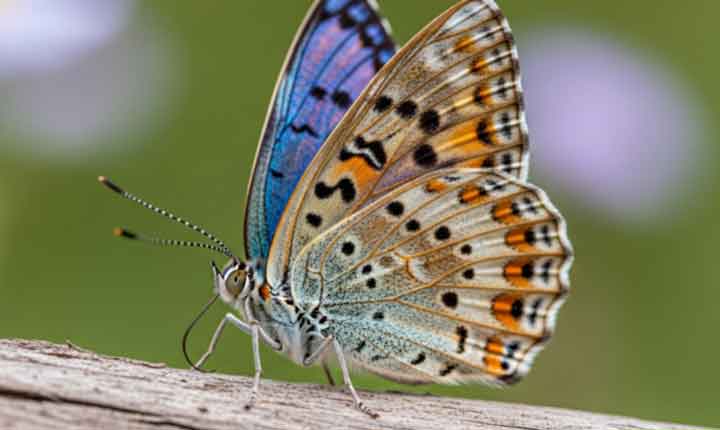
Test 1: Upscaling a Blurry Butterfly Image
- Original: A blurry butterfly image created by Google Imagen 4.
- Enhancement Settings: 4x Upscale, High Quality.
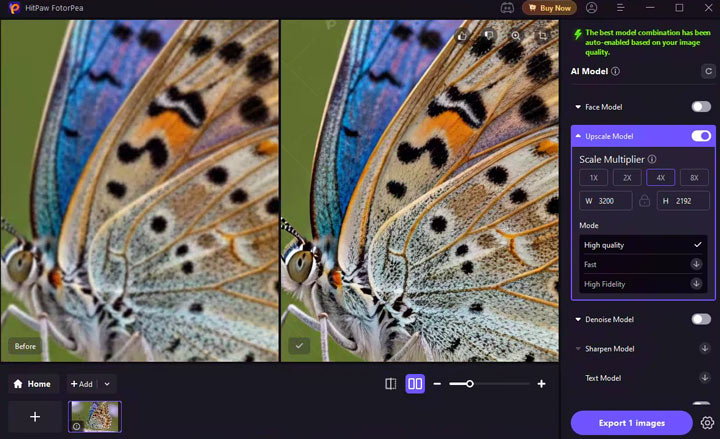
The result was impressive. The software successfully improved the image quality, enhancing detail and making the butterfly appear much sharper without noticeable artifacts.
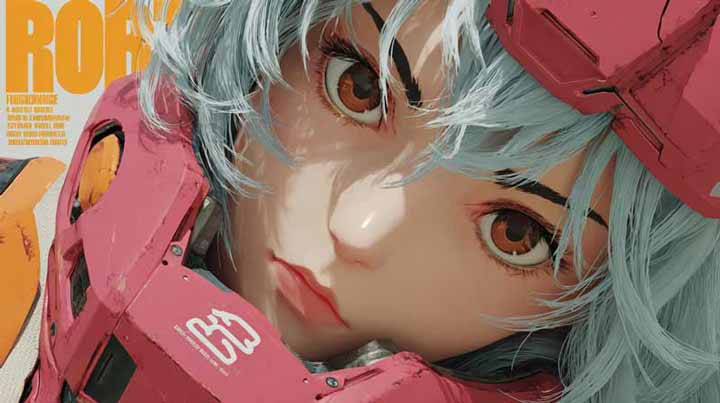
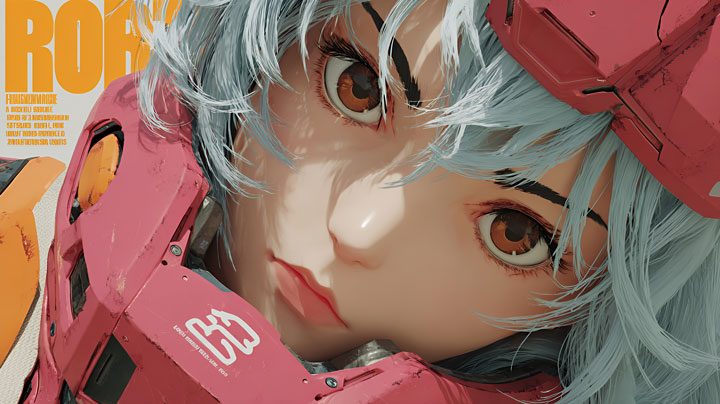
Test 2: Upscaling a Low-Resolution Anime Image
- Original: A low-resolution anime image.
- Enhancement Settings: 4x Upscale, Anime Mode.
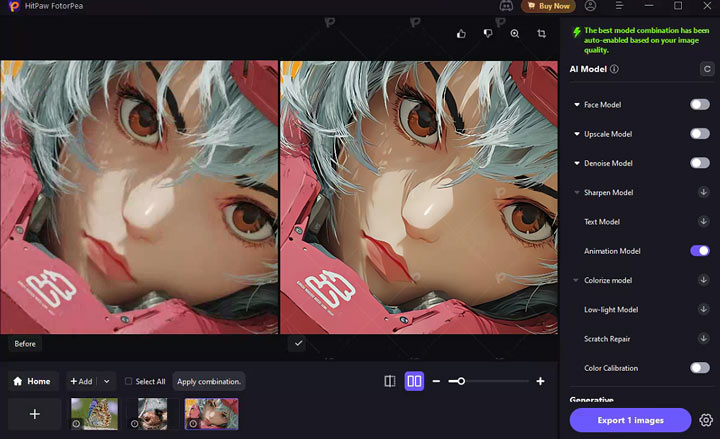
HitPaw Photo Enhancer automatically switched to Anime Mode for this image, but the result still felt a bit blurry. Thus, I then tried with the upscale model.
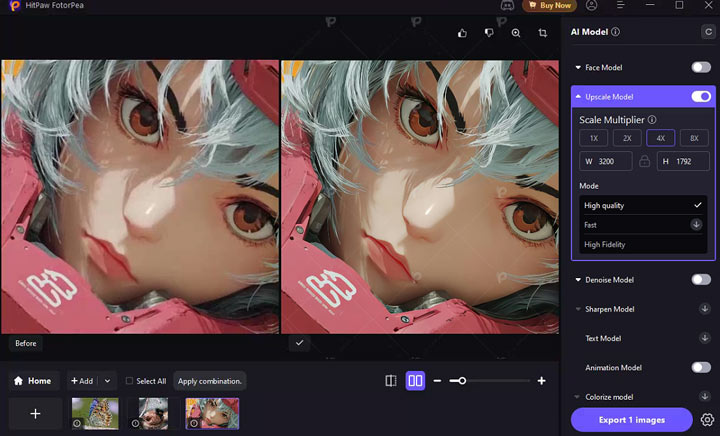
After switching to the standard 4x Upscale mode, the image looked significantly clearer. It's worth noting that Anime Mode and the Upscale mode can't be used together.
Test 3: Denoising a Grainy Portrait
- Original: A portrait with noticeable graininess.
- Enhancement Settings: Face Model + Upscale Model + Denoise Model.
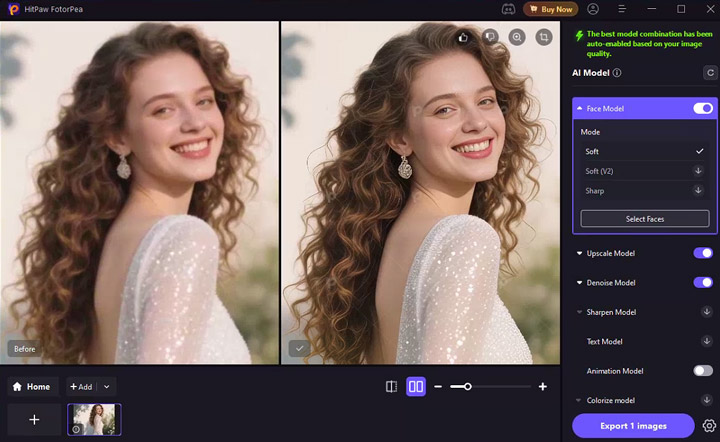
This combination of models worked well to reconstruct facial features. The earrings and hair details were also noticeably restored, making the overall image much more lifelike.
HitPaw FotorPea Pricing
HitPaw FotorPea offers several subscription plans designed for individuals and businesses. Since most users are individuals, let's focus on the personal plans:
- 1-Month Plan: $22.39. This plan allows you to enhance photos to 4K/8K resolution and includes 100 credits for AI-generated features like face swaps and background removal.
- 1-Year Plan: $90.39. You get the same 4K/8K photo enhancement, along with 500 credits for AI-generated features like face swaps and background removal.
- Perpetual Plan (One-time Purchase): Priced around $130.39, this plan offers lifetime access to the software, along with 800 credits for using its AI features.
A More Affordable Alternative? Try VideoProc Converter AI
While HitPaw FotorPea excels at quick and easy photo fixes, VideoProc Converter AI provides a more comprehensive solution for media enhancement. Here's why it might be a better fit for some users:
- More Affordable: VideoProc is priced at $39.95 per year, significantly cheaper than HitPaw's $90.39 per year.
- Advanced AI Upscaling: It can upscale images up to 10K resolution, maintaining natural detail and sharpness.
- Comprehensive Fixes: It also fixes noise, blurriness, graininess, pixelation, and compression artifacts automatically.
- Additional AI features like AI colorization for black-and-white photos and face restoration for old or blurry images.
- Video Upscaling: Elevate your videos to 4K UHD quality, all at no extra cost.
- All-in-One Solution: media conversion, compression, recording, and downloading,.

Hitpaw Fotorpea vs VideoProc Convetert AI
| Feature | HitPaw FotorPea | VideoProc Converter AI |
|---|---|---|
Primary Focus |
Photo enhancement (AI-powered fixes) |
Comprehensive media enhancement (photos, videos, audio) |
Upscaling |
4K/8K resolution upscaling |
4K/6K/8K upscaling to 10K resolution |
AI Models |
Face enhancement, noise reduction, blur repair, colorization, upscale |
AI models for photo enhancement, face restoration, noise reduction, video enhancement |
Batch Processing (Images) |
Supports batch photo enhancement |
Supports batch processing for both images and videos |
Price |
$22.39 (1-month), $90.39 (1-year), $130.39 (lifetime) |
$39.95 (1-year), $65.95 (lifetime) |
Free Trial/Features |
Free version with watermarked output |
Free trial with some limitations |
Advanced Video Features |
None |
Video enhancement and upscaling to 4K UHD, video conversion |
User Interface |
Simple, beginner-friendly |
Intuitive but more feature-rich, suitable for both beginners and professionals |
Other Features |
AI image generation, background removal, object removal |
Video conversion, compression, downloading, screen recording |
Test Result from HitPaw FotorPea's Best Alternative
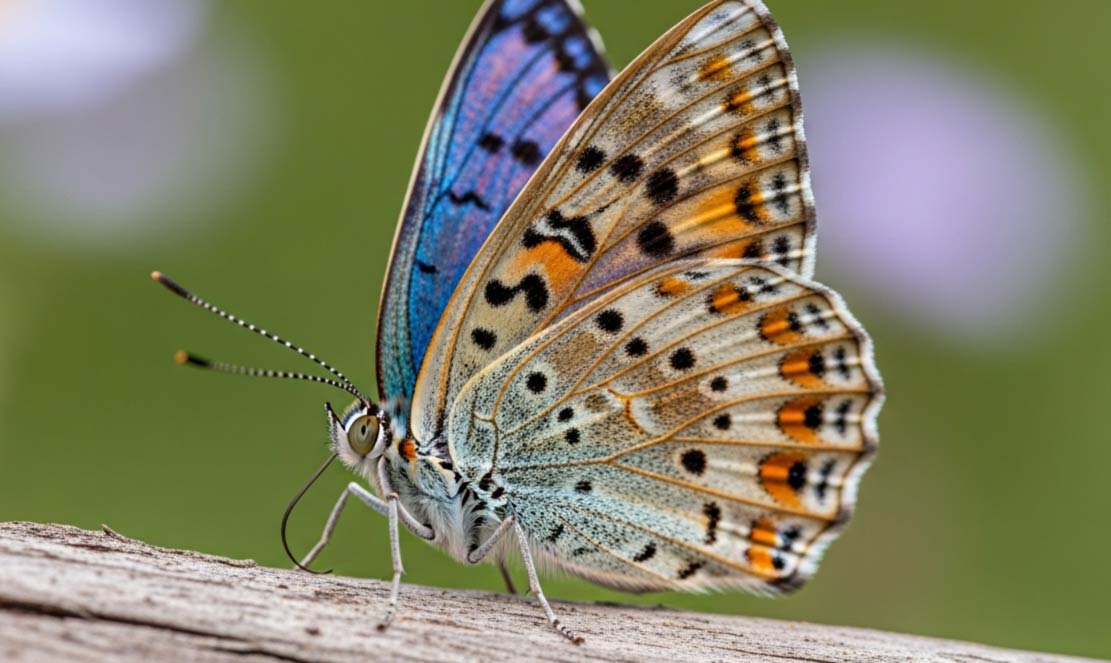
1. Test 1

2. Test 2
3. Test 3


Final Verdict
HitPaw Photo Enhancer is ideal for casual users who want a simple, efficient tool for improving the quality of their photos without needing to dive into complex editing software. It's a great choice for individuals looking for quick fixes, such as enhancing old family photos or cleaning up grainy images.
However, HitPaw Photo Enhancer can be quite pricey. If you're looking for a more affordable option without sacrificing quality, consider alternatives like VideoProc Converter AI. It offers up to 400% upscale for both photos and videos, ensuring minimal quality loss. Plus, VideoProc provides an all-in-one solution, with features such as face restoration in old photos, DVD ripping, video conversion, and the ability to download videos from over 1000 sites.